
Photography Basics
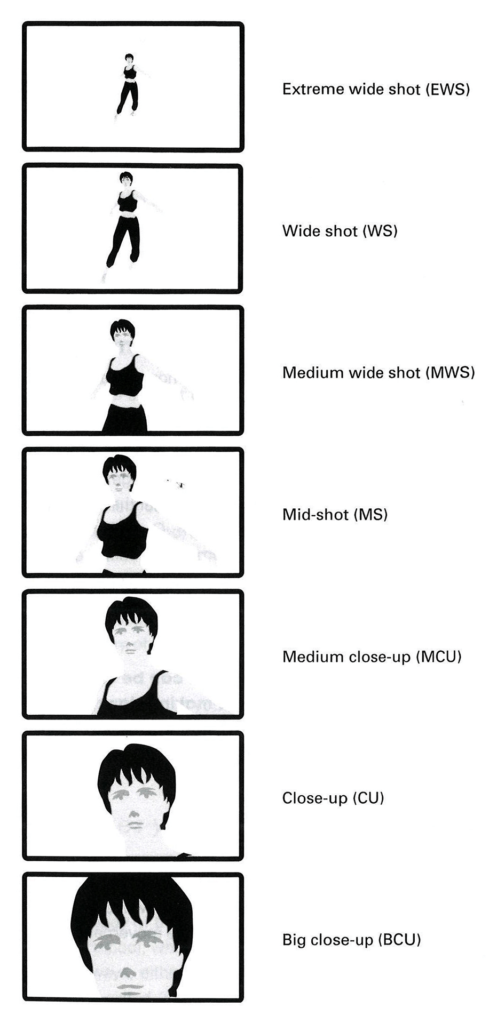
Shot Types:
How much of subject is in frame
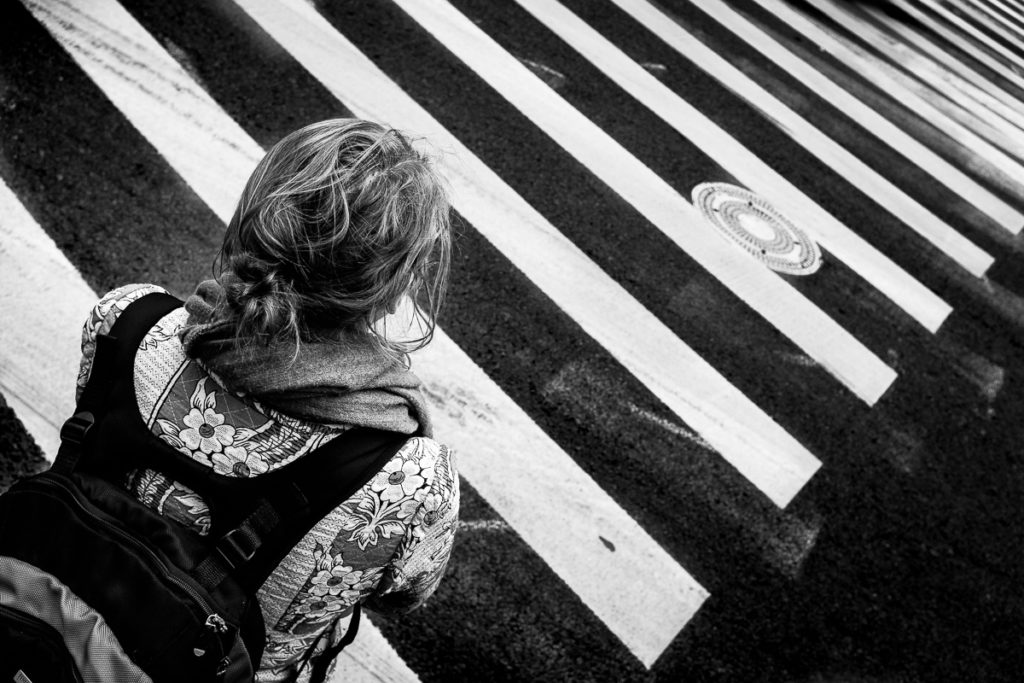
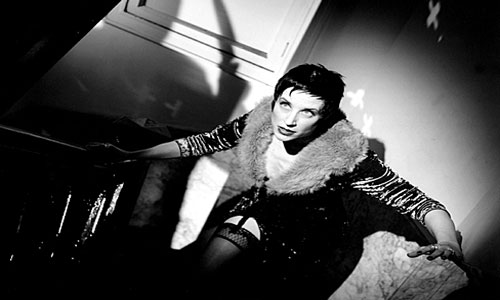
Viewpoints:
Relationship of camera to subject
Shot types and camera placement work together to affect the way the viewer perceives the subject and can add emotional and narrative context. (Choices are not arbitrary!)
- Extreme Wide Shot (EWS) establishes scene (typically eye-level)
- Wide Shot (WS) places subject in frame, in a context (allows you to see where action is taking place)
- Mid-shot(MS) Shows action more clearly by bringing viewer closer to dancers
- Close-up (CU) conveys effort, emotion, texture, movement quality by focusing on face or body detail
- Eye-level mimics how humans view the world, conveys feelings of calm or normalcy (esp. POV or OTS – “over the shoulder”), neutral effect on viewer
- Worm’s eye (WE) subject looks powerful, viewer feels vulnerable & powerless like an insect, pet or baby
- Bird’s eye (BE) (more distance from subject than HA) can simply be an establishing shot showing landscape and subject’s relationship to it, or emphasize smallness/insignificance of subjects
- Low angle (LA) subject is powerful and heroic, can also be dangerous or threatening; can create optical illusion (“forced perspective”)
- High angle (HA) subject appears small, weak or vulnerable; can bring feeling of terror or tension
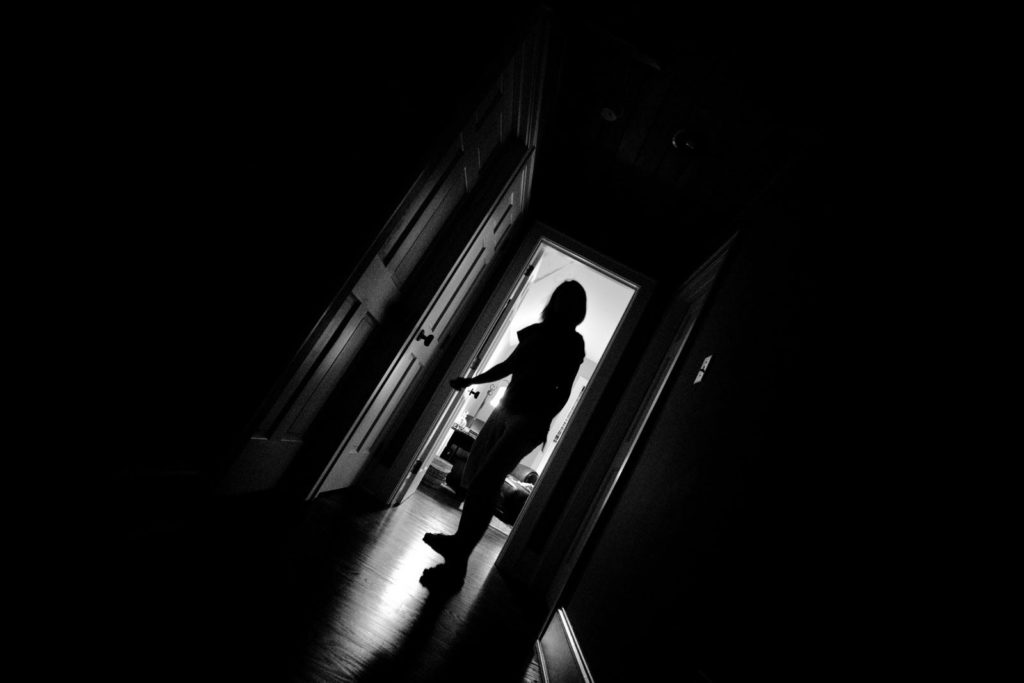
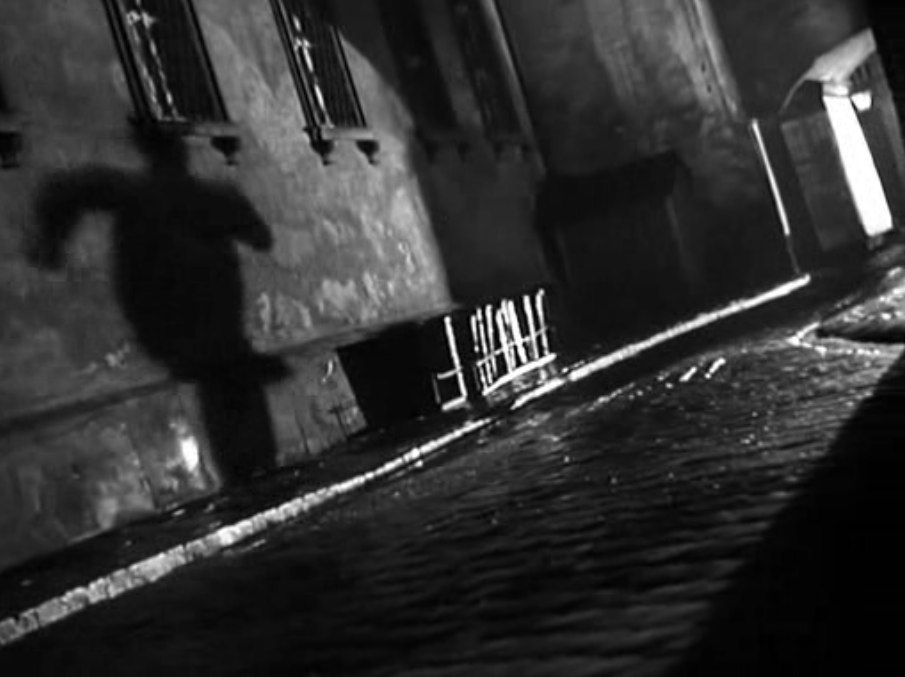
← Dutch angle (not shown above) – tilted camera – feeling of world askew, disoriented, out of balance, psychological unrest (use sparingly, if at all!)
Shot / Frame / Clip:
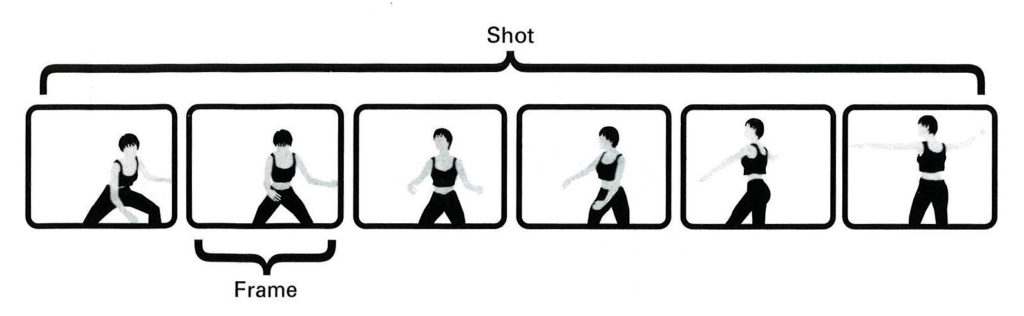
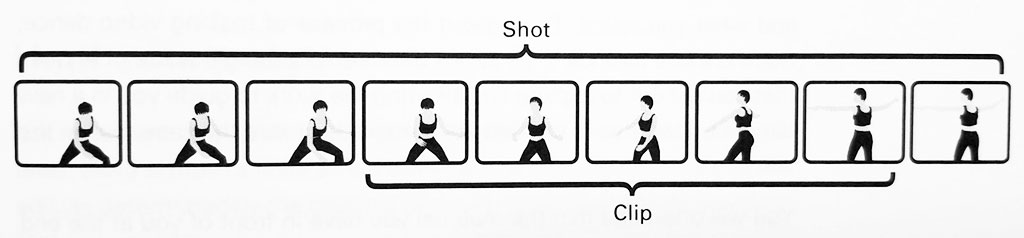
- Shot: a single, continuous take uninterrupted by editing (from “action” to “cut”)
- Frame: a single image, smallest compositional unit of a film’s structure, a series of frames make up a shot (see “frames per second” below)
- Clip: a section of a shot to be used in the edit
Framing and Composition
Framing Dance:
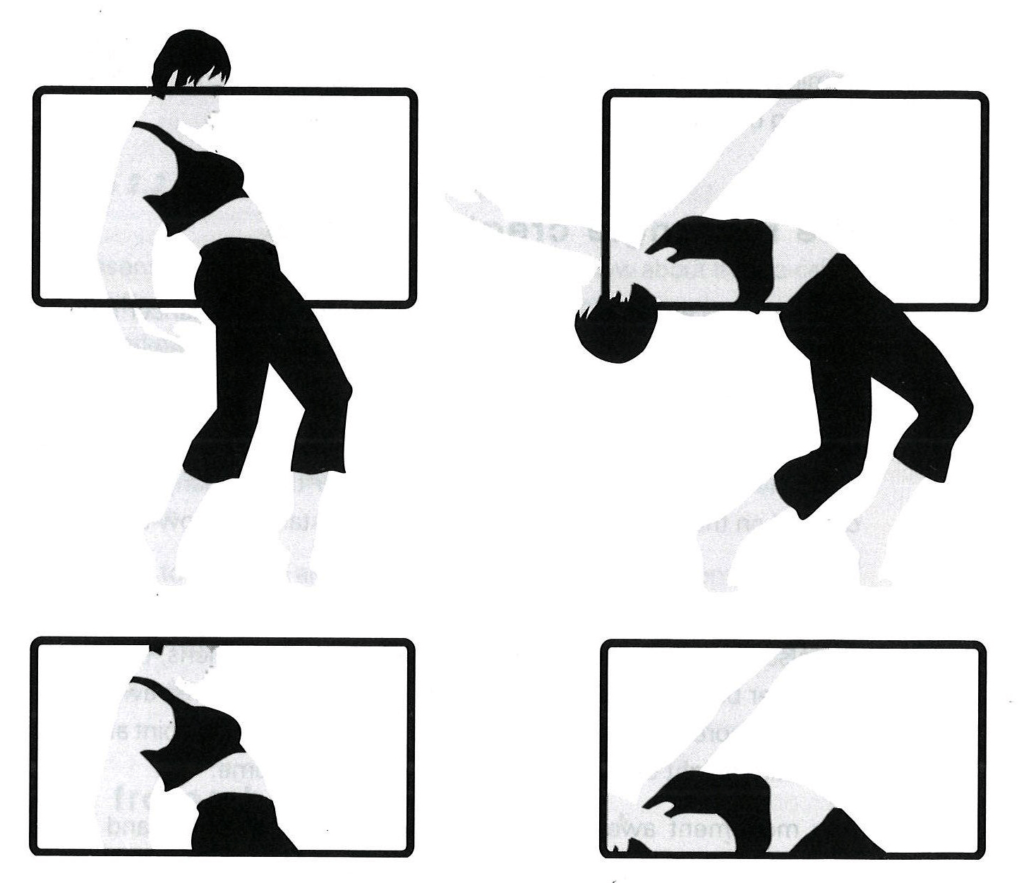
Subject of the frame does NOT have to be placed in the middle.
Showing only a small fragment of the body in motion forces the viewer’s imagination to fill in the rest.
Example
Catch Me
Dir. Francisco Cruz,
Produced by Jacob Jonas The Company
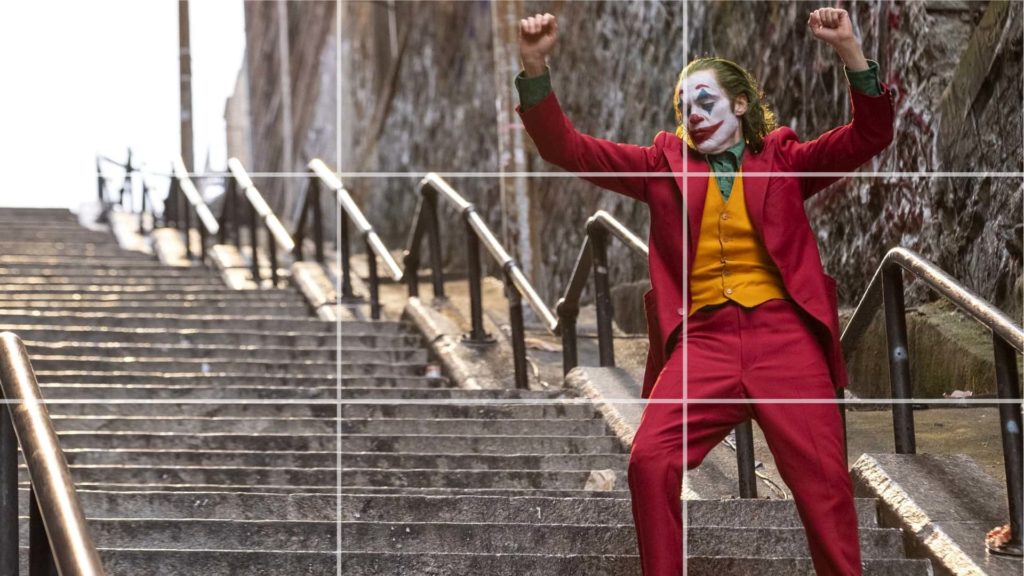
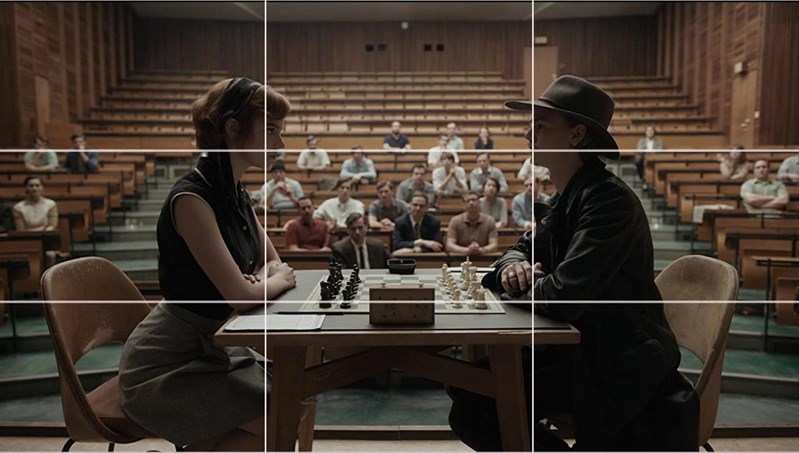
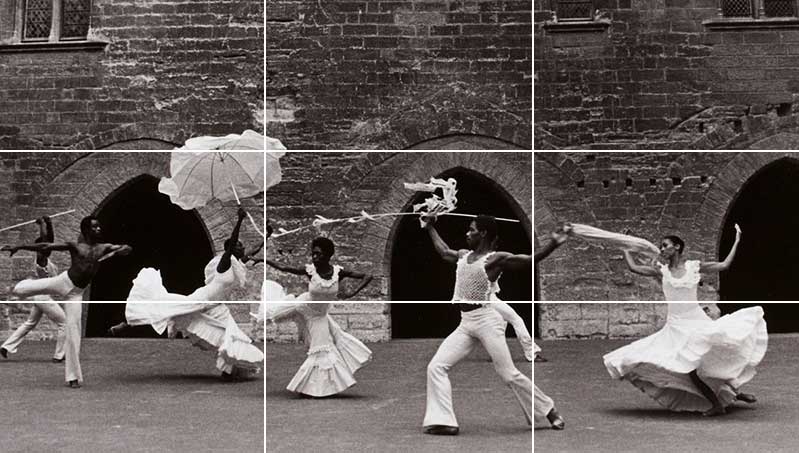
Rule of Thirds:
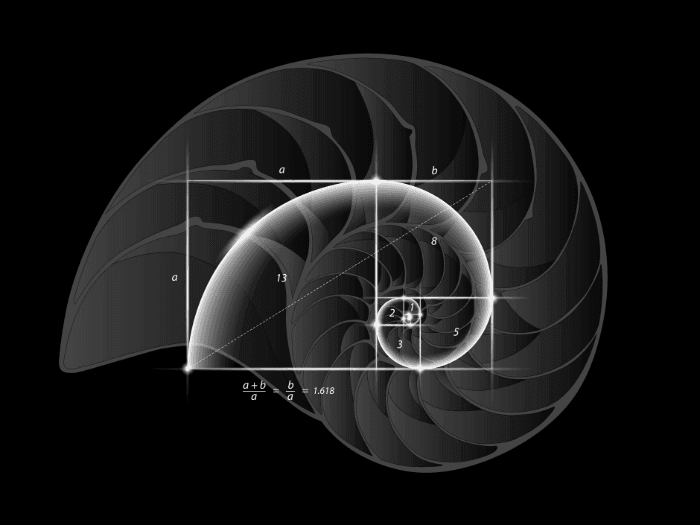
The most basic and fundamental element of composing the frame – the composition most pleasing to the human eye
← from the golden ratio/Fobanacci’s spiral
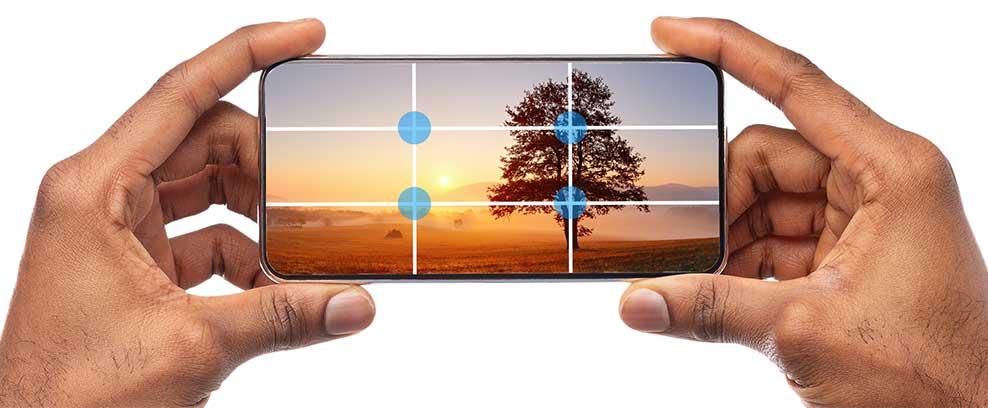
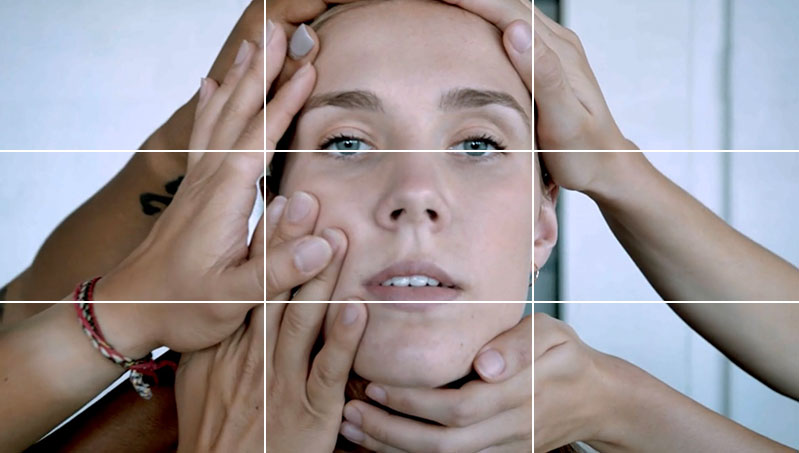
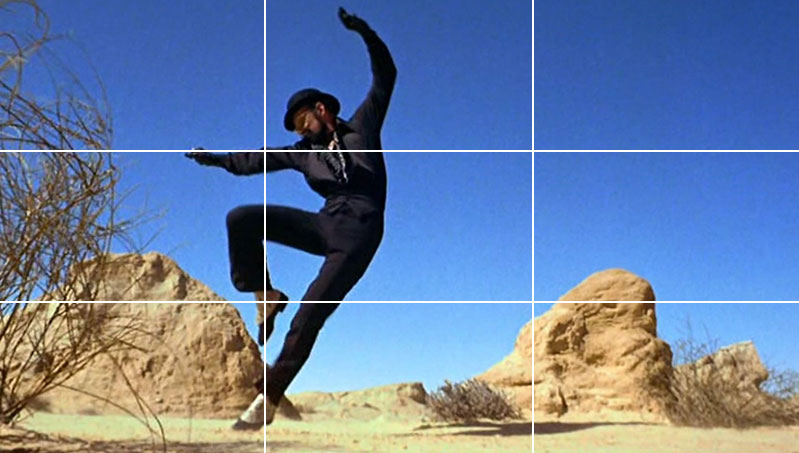
Image is divided into 9 equal parts, action or area of interest falls on lines or, preferably, intersecting lines – applies to people & objects/scenery (horizon line, eyes in a close-up, etc)
*Most phones have a grid overlay function for practice or use on set. iPhone: Settings > Camera > Grid
Must watch videos!
← 4 Framing & Composition Techniques for Beginners
Rule of Thirds Tutorial by our awesome V.P. Jack Bianchi! →
Camera Movement
Static:
(camera on a fixed point like a tripod or propped on a surface)
- Pan: lens moves left or right on horizontal plane
- Tilt: lens moves up or down on vertical plane
- Zoom: lens closes in on, or widens out on, subject of frame
Moving:
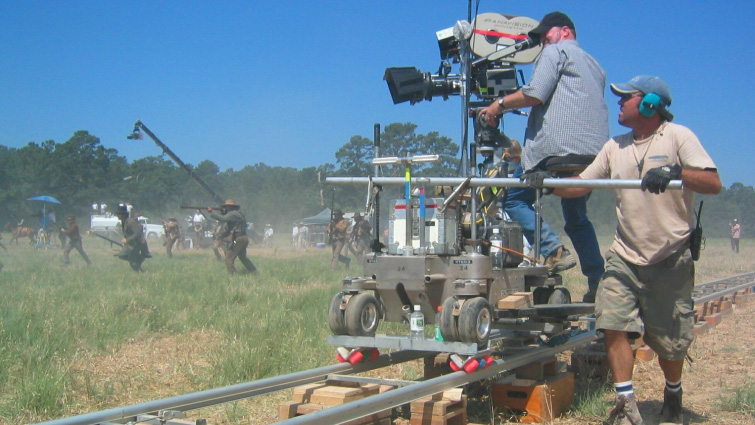
- Tracking: camera moves through space in any direction (can follow action, circle it) using a dolly or handheld/steadicam
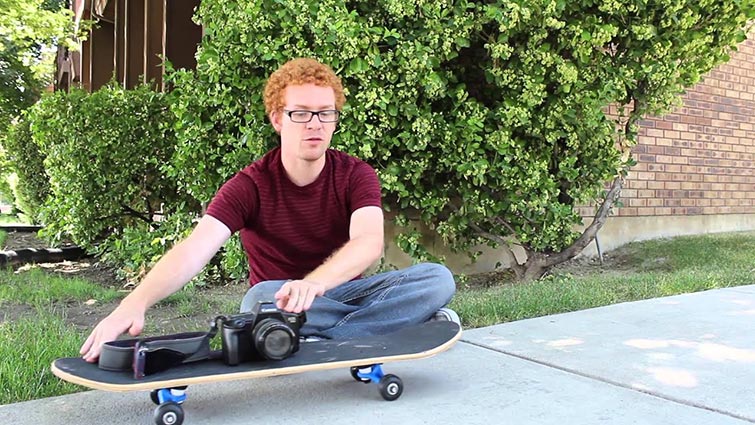
- Dolly: camera on a wheeled cart (a car or a skateboard, .e.g.!)
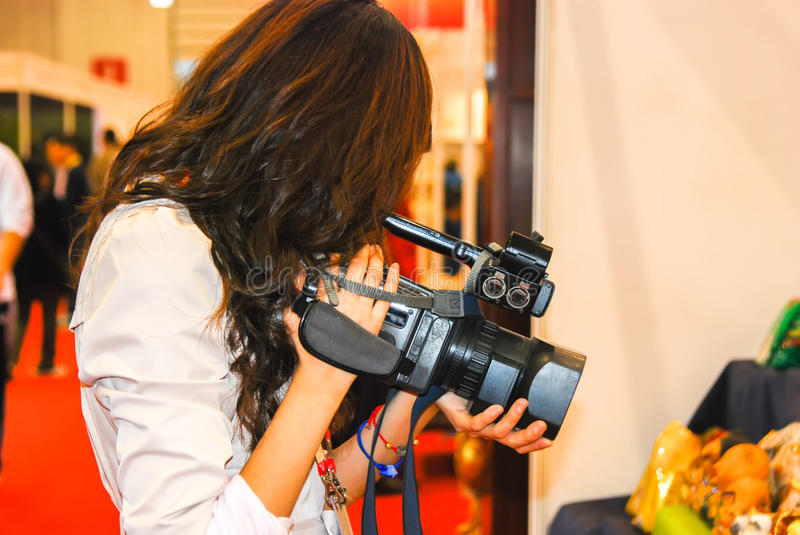
- Handheld: operating camera whilst holding it in your hands
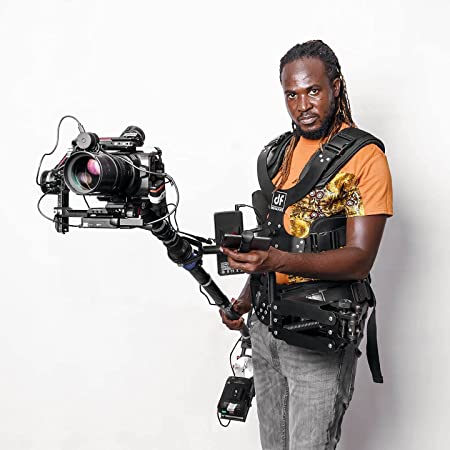
- Steadicam/gimbal: camera strapped to camera operator or fixed to a handheld stabilizer (stable + movement)
- Crib: Camera moves up or down through space on vertical plane
Mobile Phone Filmmaking
Recommended Phone Settings:
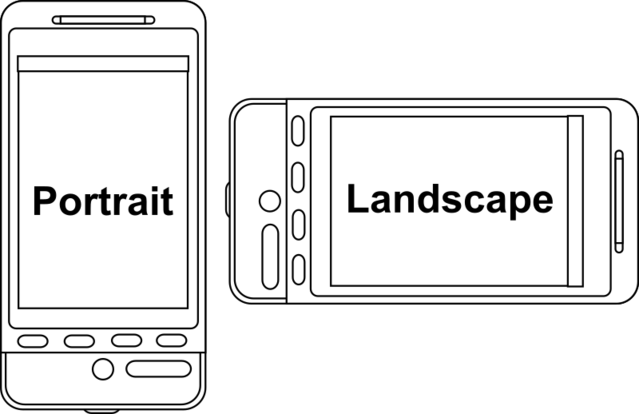
Orientation: Lanscape (horizontal)
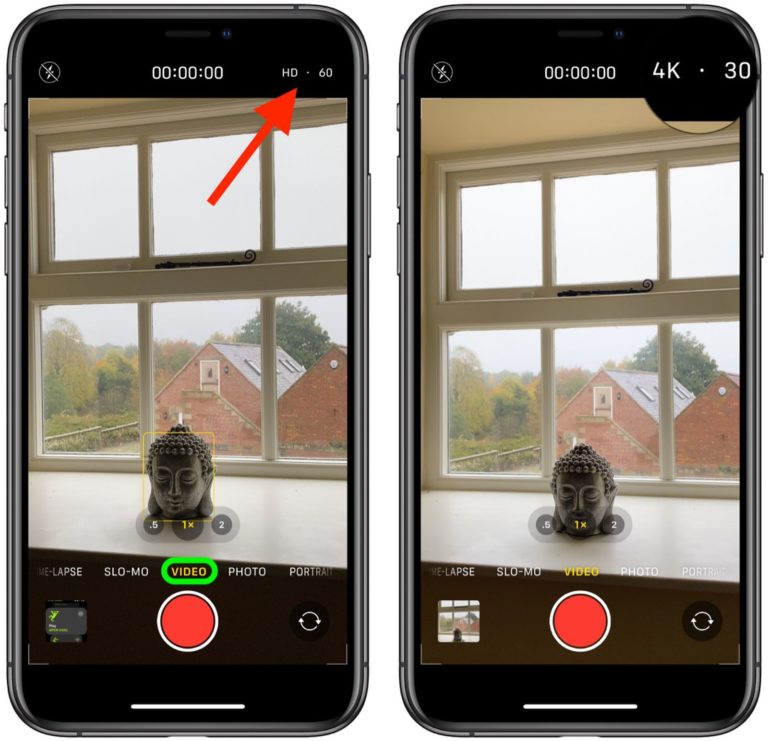
Resolution: 1080p or 4K
Frames per second (fps): 24, 30, or 60 (Lower = more cinematic look; higher = more fluid movement, larger files)
⇒ If unsure, shoot 1080p/24fps
More information below:
Resolution:
Amount of detail an image holds (higher resolution = more detail), number refers to number of pixels (1080p = 1,080 pixels vertically; 4K = ~4,000 pixels horizontally)
- 4K pros: captures more detail, crop/zoom in post without losing info, “future proofs” footage (eventually all screens will have 4K capabilities)
- 4K cons: takes up WAY more space, some computers have trouble processing, iPhone compresses image (can put in artifacts)
Frames per second (fps):
Speed at which images are shown (24 fps means each second of video shows 24 distinct still images)
- 24 fps – film/TV standard, looks cinematic – our eyes are used to it, crisp movement
- 30 fps – not as cinematic (like soap operas), smooth & fluid movement, good for social media
- 60 fps – not cinematic (more lifelike), very smooth & fluid (Note: 4K at 60 fps requires more light)
- Slow-motion – Any footage 60+ fps can be turned into slo-mo (Any footage can be slowed down in post but without the extra frames, it will look choppy
iPhones shoot 24, 30, 60 fps + slow-mo 120, 240 fps (will be between ½-⅛ speed depending on the fps of your project)
IMPORTANT!
- Be consistent – don’t mix 24 with 30 or 60 fps in one project! (OK to mix 30 & 60) Slo-mo footage can be used along with any fps.
- Experiment with your dancers on site to find the best settings for your project.
- Watch a youtube tutorial for your phone model to learn about focus lock, exposure, etc. Having a high-quality instrument isn’t enough – you must learn how to use it!
- iPhones/iPads automatically compress video files (reduce quality). For the most professional look, check out: Uploading Without Automatic Compression
Shooting Dance
Shooting / Editing Tutorial
Check out this video for a few pointers on shooting dance movement. In addition to considering how shot placement and camera movement can inform narrative and emotional context, you should also consider how the camera interacts with the movement. Also included are some tips for editing dance video.
Must watch videos!
← 4 Framing & Composition Techniques for Beginners
Rule of Thirds Tutorial by our awesome V.P. Jack Bianchi! →


