


A crucial part of pre-production planning, a film laid out chronologically in a series of images along with camera choices—a visible script
Film: Mine! (your title or working title)
Director: Cailin Elise Violett Bianchi
OPTIONAL SECTION
Scene Breakdown: Dani/Jacob dance fight over creamer (interior office space, day) ← basic scene description: who/what/where/when
describe shots in the storyboard below in greater detail:
MANDATORY SECTION
Storyboard
B/W, *slo-mo (120 fps)
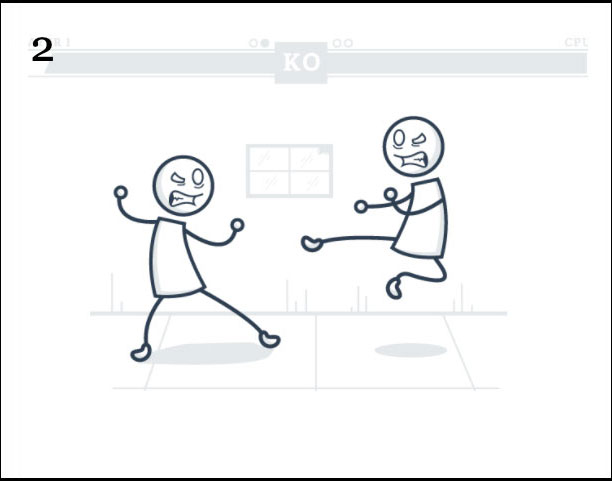
Office kitchen- Dani/Jacob fight
MS handheld arc shot (circling)
*change back to 24 fps
EWS tripod HA in front of window
(ends in freeze frame)
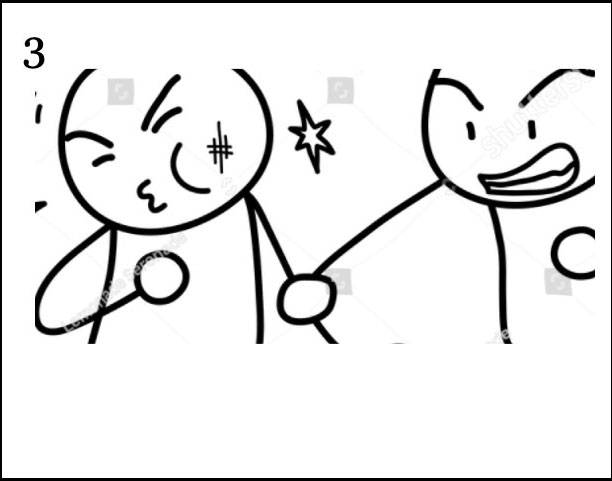
gimbal track to cubicle (get tighter)
MCU > ECU eye level
Ends Dani drink creamer (whip out)
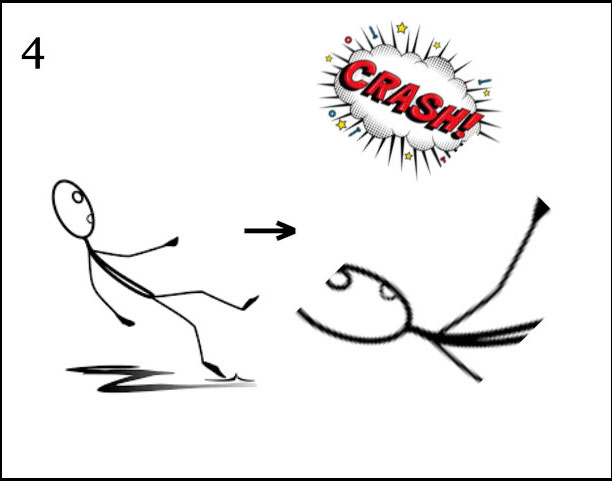
*slo-mo (240 fps)
(whip in) WS zoom to MS
After fall, bottle falls into frame
TOP BOX: graphic depiction of action filling frame to show how shot will look (hand draw, create digitally, use rehearsal photos, etc)
BOTTOM BOX: *no need to list all items, only if applicable or if something changes
The camera should move at least 30° relative to the subject between successive shots of the same subject (or else it looks like a mistake!).
A detailed list of every shot that needs to be captured. It serves as a checklist to ensure you get the footage you need. Bring it to set on a clipboard, check off shots as you go & make notes to aid you in the edit.
Use your storyboard as a guide. Footage is rarely shot chronologically—be efficient by shooting all shots with same set-up back-to-back (all HA tripod shots, e.g.). In addition:
The first order of business on set is have all persons involved in the production sign waivers. On-camera talent need to sign a Talent Release Waiver. All cast and crew members need to sign the Activity Release Waiver. Keep the waivers on a clipboard with your shot list and a pen.
A Talent Release Waiver authorizes you to use the on-camera talent’s name, voice, image, liekness, and performance in your production without getting sued.
An Activity Talent Release Waiver releases you, the filmmaker, from all liability arriving out of the cast/crew’s participation including personal injury, property damage, or wrongful death.